Create a Control4 driver without copying the last one
Create a driver from a template and wire it up to Anvil before you write a line of Lua. Available now in the Driverforge CLI.
The quickest way to create a driver is often to copy one that already works. Then you get to play detective in your own code. Which bits belong to every driver you build, and which ones only made sense for that particular pool pump?
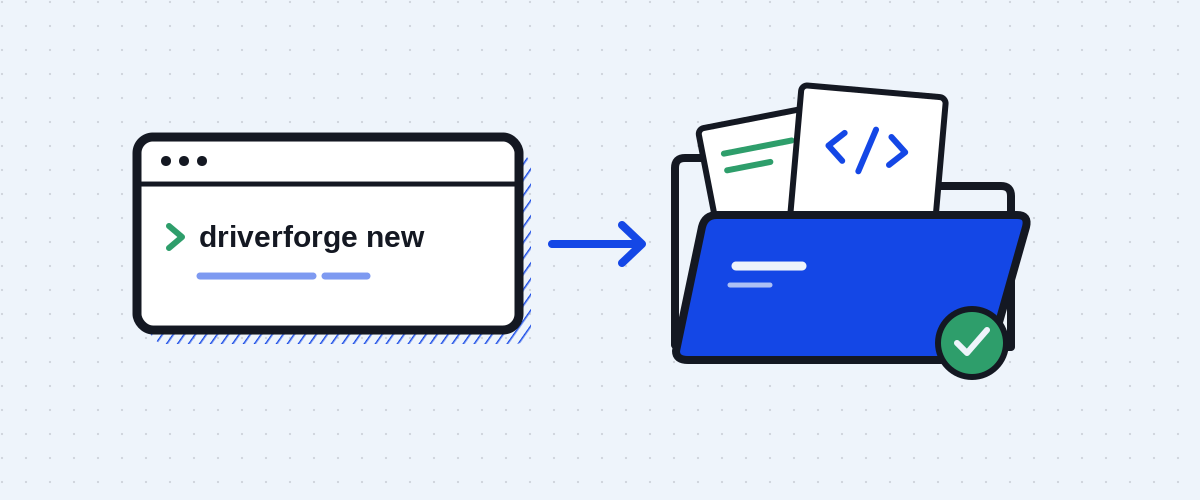
We wanted to keep the good part of copying a working driver: you get to start on the device straight away. So we added driverforge new. Give it a name and it creates the driver, sets up the SDK and links the project to Anvil. When you deploy for the first time, you already have somewhere to look for the first callback.
Create a project with driverforge new
With the CLI signed in and your organisation selected, run this from the directory where you keep your drivers:
driverforge new my-pool-pumpThe CLI fetches Driverforge’s default driver template and uses that one name wherever the project needs it. The directory is my-pool-pump, the Lua identifier is my_pool_pump and the display name is My Pool Pump. Substitution works in filenames as well as their contents, so the project manifest can carry the new name too.
Then new runs driverforge init inside the new directory. This is the part that saves you from integrating telemetry later, usually five minutes after you needed it. Choose the Anvil project the pump should report to, or create one from the prompt. The CLI embeds the latest Driverforge SDK and wraps your driver’s OnDriverInit so the SDK is wired in when Control4 loads the driver.
Setup also asks how you want deploys to bump the driver version: an integer or a date-based version. You can add separate development and release build configurations and choose which logger to forward to Anvil. If project setup gets interrupted, the generated driver is still there. Run driverforge init inside its directory to pick up the setup again.
Deploy to your dev controller and follow the events
At the end of setup, the CLI prints a link to your project in Anvil and offers to open it. Leave that page open. With the Anvil Agent installed on a dev controller running Control4 OS 3.3.1 or newer, you can now deploy the driver you just created:
cd my-pool-pump
driverforge device select
driverforge deploy
driverforge events --follow
Choose your dev controller at the first prompt. Deploy builds and installs the driver there. As Director calls into the Lua, you can follow those events in the terminal or watch them arrive on the Anvil page. You can check the whole path while the driver is still just a template. When you add the first pump command, you already know where to look for it. First-deploy walkthrough.
Use a template from your own Git server
Think about what you’d take from your last driver even if the next one talked to a completely different device. Maybe every driver your team writes uses the same Lua logging library and promise library. Your tests live in a familiar place, and everyone knows where to look for the code that talks to the device. That’s the part worth putting in a template.
Keep that layout, the libraries and the Lua that loads them in a repository on your own Git server. With a template.json at the repository root, a teammate can use the whole repo as the starting point for a new driver:
driverforge new my-pool-pump --repo ssh://git@git.example.com/drivers/base-driver.gitThe CLI uses your existing Git credentials to fetch the template. Open my-pool-pump and the logger and promise library are already where your code expects them. During setup, choose your logger’s global name to forward its output to Anvil. You can go straight to writing the first request to the pump.
When the team adopts a new library version, update the template once. By default, the next driver picks it up from the repository’s default branch. To create a driver from a particular release, append a tag such as #v2 to the Git URL. While editing the template, add --no-init to inspect the generated files without creating an Anvil project. Author a driver template.
Run setup without prompts in an agent or CI job
You can answer the setup questions with flags as well. Here’s the pool pump again, this time asking for a new Anvil project and date-based versioning, with no extra build configurations or log forwarding:
driverforge new my-pool-pump --create-project "My Pool Pump" \
  --versioning date --no-build-configs --no-logger --output json
When a coding agent or CI job runs the command without a terminal, missing answers come back as input_required with the flags it still needs. On success, the JSON includes the files created, the setup result and the Anvil setup URL. An agent can hand you the link to your new project as soon as it’s ready for its first deploy. Full command reference.
Back to the pool pump. By the time you sit down to write the first status request, the logger you use on every job is already in place and you’ve seen the driver report to Anvil. You can spend the afternoon finding out what the pump means by “standby”. Next time it’s a lighting panel, the same template is waiting.