Using MQTT over TLS in a Control4 driver
Control4's DriverWorks MQTT client can connect over TLS, but four of its behaviours aren't obvious from the documentation. Here's what to expect, and a setup that works.
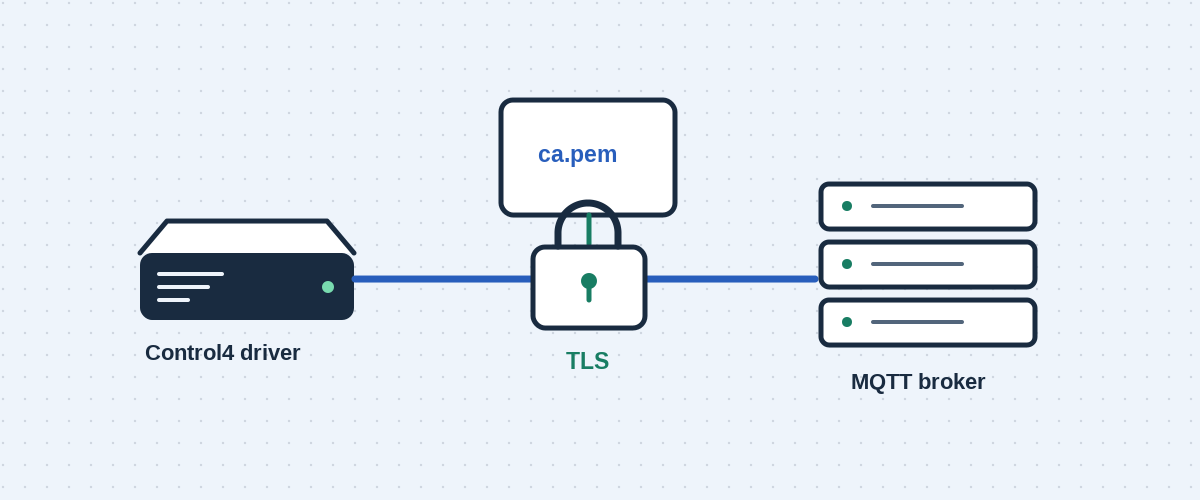
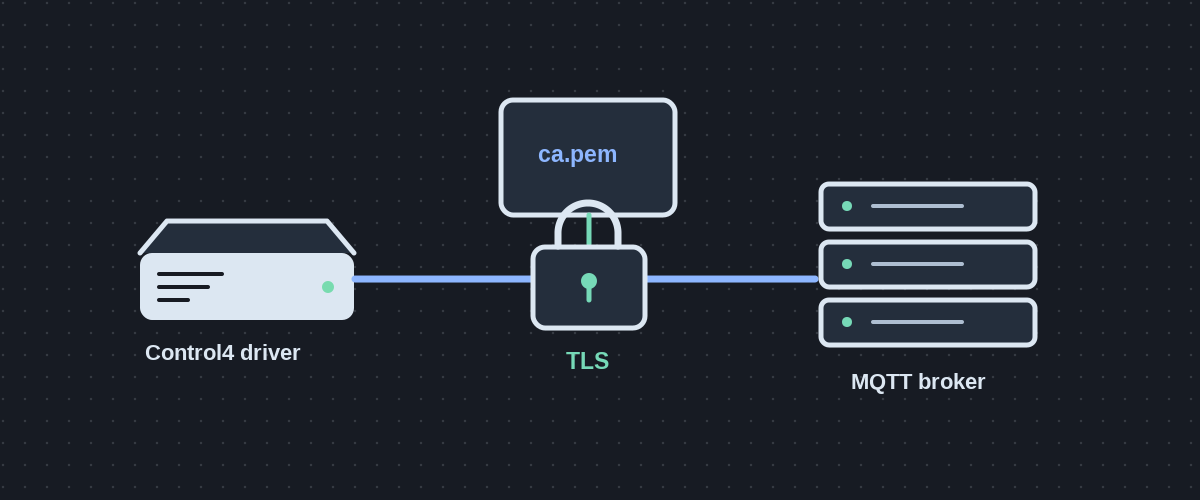
Control4 drivers are Lua programs that run inside Director on a Control4 controller. Since OS 4.0.0, DriverWorks has given drivers a built-in MQTT client, C4:MQTT(), which makes it straightforward to talk to a cloud service or a local broker. Turning on TLS is where it gets less obvious. Here are four behaviours worth knowing, from building the Anvil Agent, which publishes its telemetry over MQTT with TLS.
Give it a CA file, not a switch
There's no SetTLS(true). TLS is enabled by handing the client a file of trusted certificate authorities with SetTlsCertificates(path), and the client has no system trust store to fall back on, so that file is the whole of what it trusts.
The file has to exist on the controller, so bundle the PEM with your driver and write it into the driver's sandbox before connecting. C4:FileOpen doesn't truncate an existing file, so delete it first, or a shorter certificate bundle from a later driver version leaves old bytes behind:
C4:FileSetDir('SANDBOX')
if C4:FileExists('ca.pem') then C4:FileDelete('ca.pem') end
local fh = C4:FileOpen('ca.pem')
C4:FileWrite(fh, #CA_PEM, CA_PEM)
C4:FileClose(fh)

local client = C4:MQTT(clientId)
local code, message = client:SetTlsCertificates(C4:GetSandboxDir() .. '/ca.pem')
Every MQTT call returns 0 on success, or an error code and sometimes a message. Check them: client:ErrorCodeToString(code) turns a code into something readable. A method that doesn't exist on the client only fails when the line runs, on the controller, so test the call sequence on real hardware.
The client verifies the IP, not the hostname
Most TLS clients check that the server's certificate names the hostname they connected to. This one resolves the hostname itself, sends the resulting IP address as the server name, and checks the certificate against that IP.
A public certificate issued for your broker's hostname won't pass that check, and if the broker sits behind a load balancer, its address can change anyway. The practical answer is to issue the broker's certificate from a private certificate authority that signs nothing else, bundle that authority's root as your CA file, and turn hostname verification off. Chain validation against a single-purpose root then identifies the broker on its own.
Mind the hostname-check flag
Hostname verification is controlled with SetTlsInsecure. The client is built on libmosquitto and follows its tls_insecure_set semantics, where true means skip the check, but the DriverWorks documentation describes the boolean the other way round. Set it by libmosquitto's meaning, and confirm the behaviour on a controller using the client's log, described next:
client:SetTlsInsecure(true) -- skip hostname verification (libmosquitto semantics)
client:Connect(host, port)
A failed handshake is silent
When the TLS handshake fails, the client fires neither OnConnect nor OnDisconnect. A driver that only listens to those callbacks just never connects, with no idea why.
The reason is in the client's own log. Forward it with OnLog before connecting, and handshake and certificate errors appear in your driver's log:
client:OnLog(function(_, level, line)
  if level <= 2 then -- 0 fatal, 1 error, 2 warning … 5 trace
    print('MQTT: ' .. tostring(line))
  end
end)
Keep the lower levels out of anything you send over MQTT. The client logs every packet at trace level, so forwarding those lines through the same connection produces more packets, and more log lines, in a loop.
Checklist
Bundle a CA file and set it with SetTlsCertificates. Expect the certificate to be checked against the broker's IP, so use a private CA and SetTlsInsecure(true) with libmosquitto's meaning. And forward OnLog before you connect, because a failed handshake won't tell you anything otherwise.